
laptop_mac
macOS (Apple Silicon) (Apple Silicon)
Latest version 0.1.0Minimum supported 0.1.0
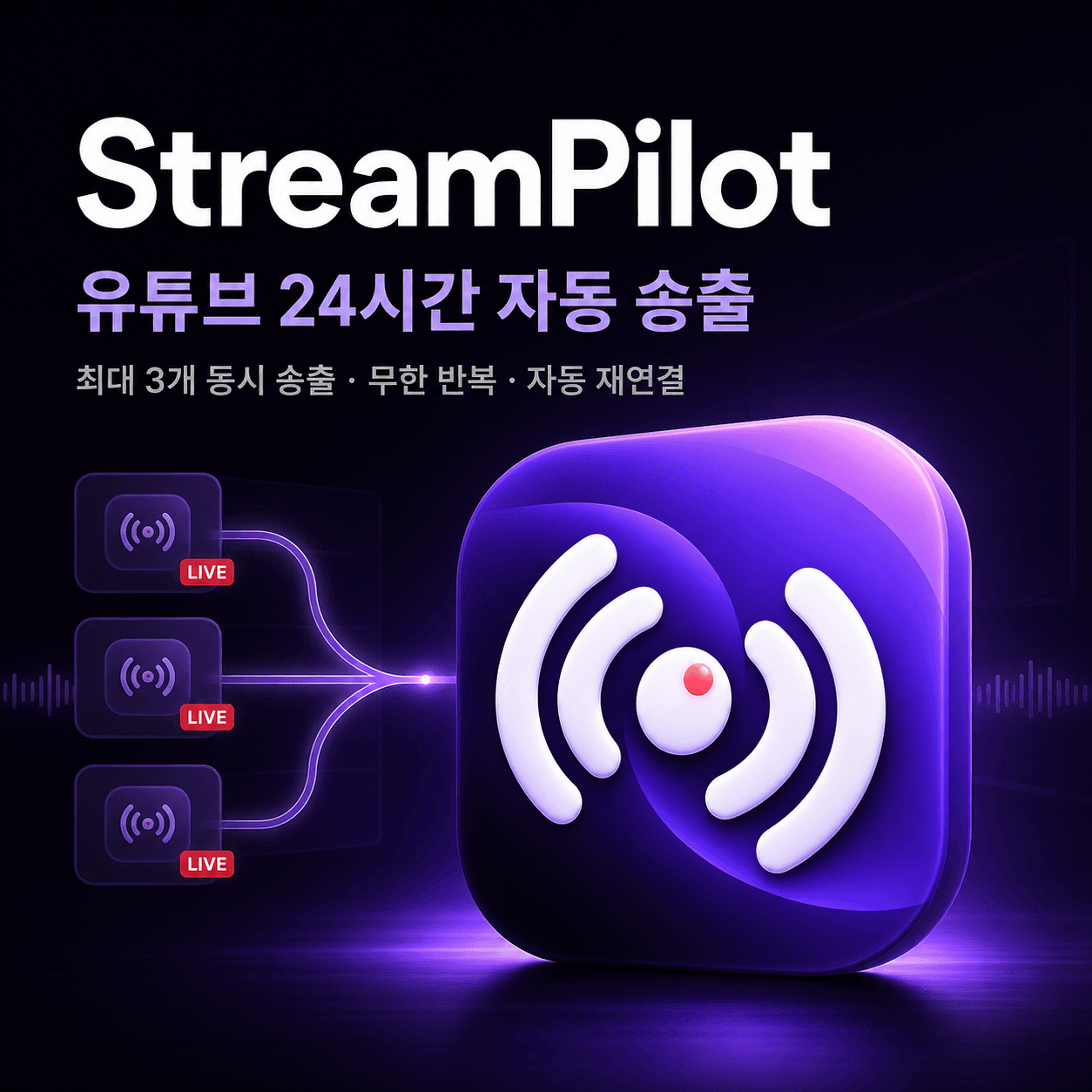
Loop prepared video playlists to YouTube and manage up to three independent stream setups from one desktop app.
one-time payment
keyLicense key required
The installer is public. Buy a license on the product page, then activate the app after launch.
Latest Public Builds
Download the installer directly. You'll still need a valid license key after the app launches.
윈도우
This platform build is being prepared.
Spend less time rebuilding stream setups and watching the connection every time you run a long YouTube stream.
StreamPilot is a desktop app for arranging MP4 videos, looping a playlist, and setting resolution, FPS, bitrate, and scheduled stop times from one screen. Keep up to three independent stream setups, each with its own video list and stream key.
If a connection drops, StreamPilot retries automatically and can notify you about stalls, recovery, and errors. The live dashboard shows the current video, stream time, FPS, bitrate, dropped frames, progress, logs, and a local preview.
Create and manage the broadcast title, thumbnail, and visibility in YouTube Studio. StreamPilot focuses on sending prepared video files repeatedly. The number of simultaneous streams your computer can run depends on CPU performance and upload bandwidth.